How Much Does Business Automation Really Cost in 2026? A UK Pricing Guide
"How much will this actually cost?"
It's the question every small business owner asks before investing in automation. And it's surprisingly hard to get a straight answer. Vendors quote "from £X per month" without explaining what drives costs up. Comparison sites list features but not real-world pricing. Case studies mention ROI without revealing actual spend.
This guide provides the transparent pricing breakdown UK small businesses actually need. We'll cover what automation costs in 2026, what affects those costs, and how to budget realistically for your situation.
The Short Answer
For most UK small businesses, meaningful automation costs between £100-500 per month. That range covers the tools needed to automate customer communication, scheduling, invoicing, and basic administrative tasks.
At the lower end (£100-200 monthly), you get solid automation for one or two core processes. At the higher end (£300-500 monthly), you can automate comprehensively across multiple business functions.
Enterprise-grade solutions exceed £1,000 monthly, but most small businesses don't need that level of capability.
Now let's break down exactly where that money goes.
Automation Cost Categories
Business automation costs fall into four main categories. Understanding each helps you budget accurately and avoid surprises.
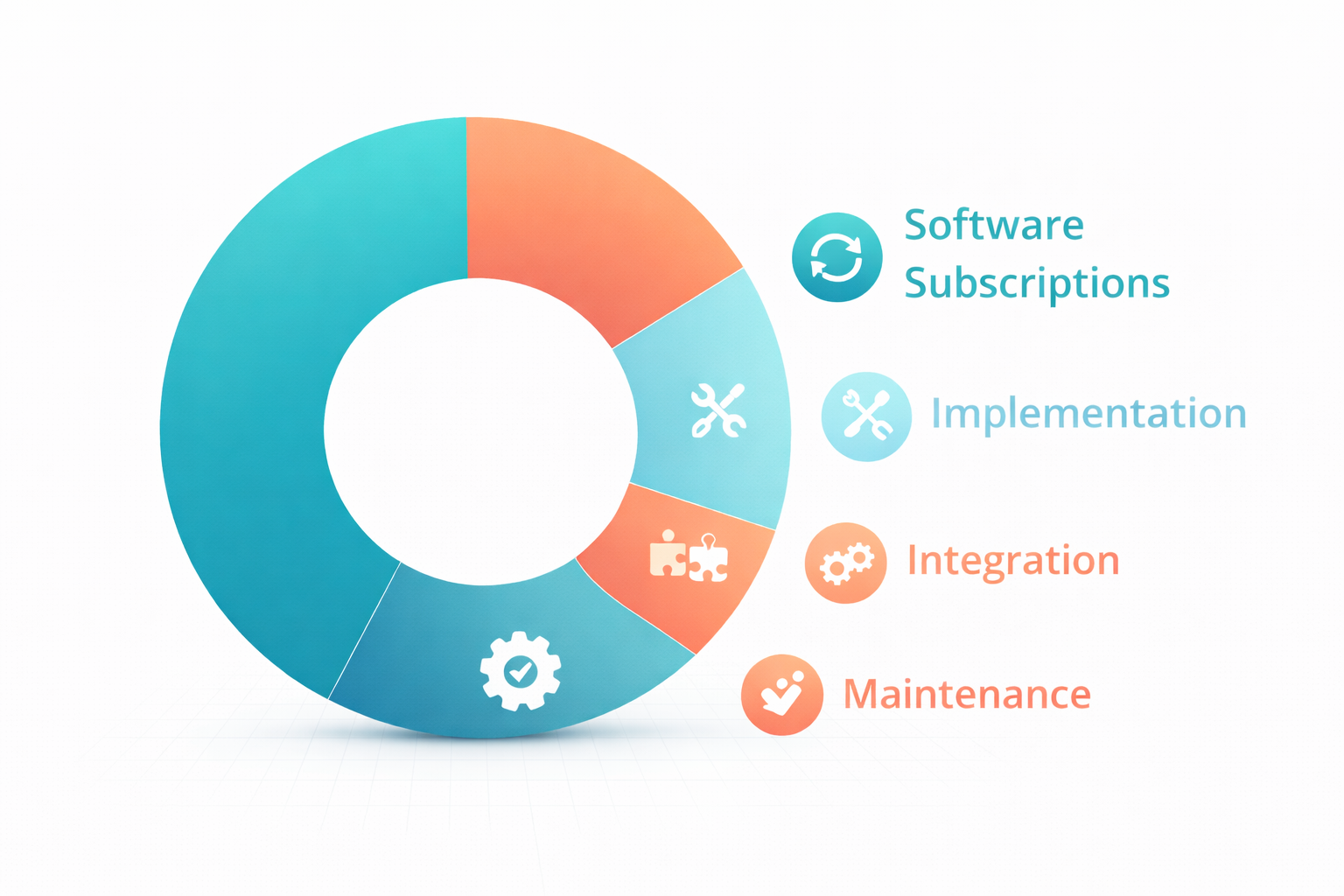
1. Software Subscription Costs
The ongoing fees for automation tools typically represent your largest expense. These break down by function:
Customer Communication Automation
- Basic chatbots and autoresponders: £0-30/month
- AI-powered customer service tools: £50-150/month
- Comprehensive AI Workers handling enquiries: £75-200/month
Scheduling and Booking Automation
- Simple calendar booking tools: £0-15/month
- Full-featured scheduling platforms: £20-50/month
- Integrated scheduling with CRM: £50-100/month
Invoicing and Payment Automation
- Basic invoicing tools: £0-20/month (often included in accounting software)
- Automated payment chasing: £20-50/month
- Full accounts receivable automation: £50-150/month
Email and Marketing Automation
- Basic email automation: £0-30/month
- Mid-tier marketing automation: £30-100/month
- Advanced multi-channel automation: £100-300/month
Workflow and Integration Platforms
- Basic automation connectors (Zapier free tier): £0/month
- Standard workflow automation: £20-50/month
- Advanced multi-step automation: £50-150/month
All-in-One AI Worker Platforms
- Entry tier: £50-100/month
- Standard tier: £100-200/month
- Premium tier: £200-400/month
2. Implementation Costs
Getting automation running requires initial investment beyond subscriptions.
DIY Implementation If you set up automation yourself, the cost is your time. Budget 10-40 hours for initial setup depending on complexity. For a business owner whose time is worth £50/hour, that's £500-2,000 in opportunity cost.
Professional Setup Automation consultants and agencies charge for implementation:
- Basic setup assistance: £200-500 one-time
- Comprehensive implementation: £500-2,000 one-time
- Complex multi-system integration: £2,000-5,000+ one-time
Template and Workflow Purchases Pre-built automation templates can accelerate setup:
- Individual templates: £10-50 each
- Template bundles: £50-200
- Industry-specific workflow packages: £100-500
3. Integration Costs
Connecting automation tools to your existing systems may incur additional costs.
Native Integrations Many tools connect directly to common platforms at no extra cost. Check whether your specific tools are supported before assuming integration is included.
Middleware Platforms When direct integration isn't available, middleware bridges the gap:
- Zapier: £0-150/month depending on task volume
- Make (formerly Integromat): £0-100/month
- n8n (self-hosted): £0 plus hosting costs
Custom Integration Development For unusual requirements, custom development may be necessary:
- Simple API integrations: £500-1,500
- Complex custom integrations: £2,000-10,000+
4. Ongoing Maintenance Costs
Automation isn't set-and-forget. Budget for ongoing attention.
Your Time Plan for 2-5 hours monthly reviewing performance, handling exceptions, and refining automation. At £50/hour opportunity cost, that's £100-250 monthly in time investment.
Platform Updates Subscription costs may increase annually. Budget for 5-15% yearly price rises.
Periodic Optimisation Every 6-12 months, review and optimise your automation. This might involve your time, consultant fees, or both. Budget £200-500 annually.
Real-World Cost Examples
Abstract categories are helpful, but concrete examples show what businesses actually spend.
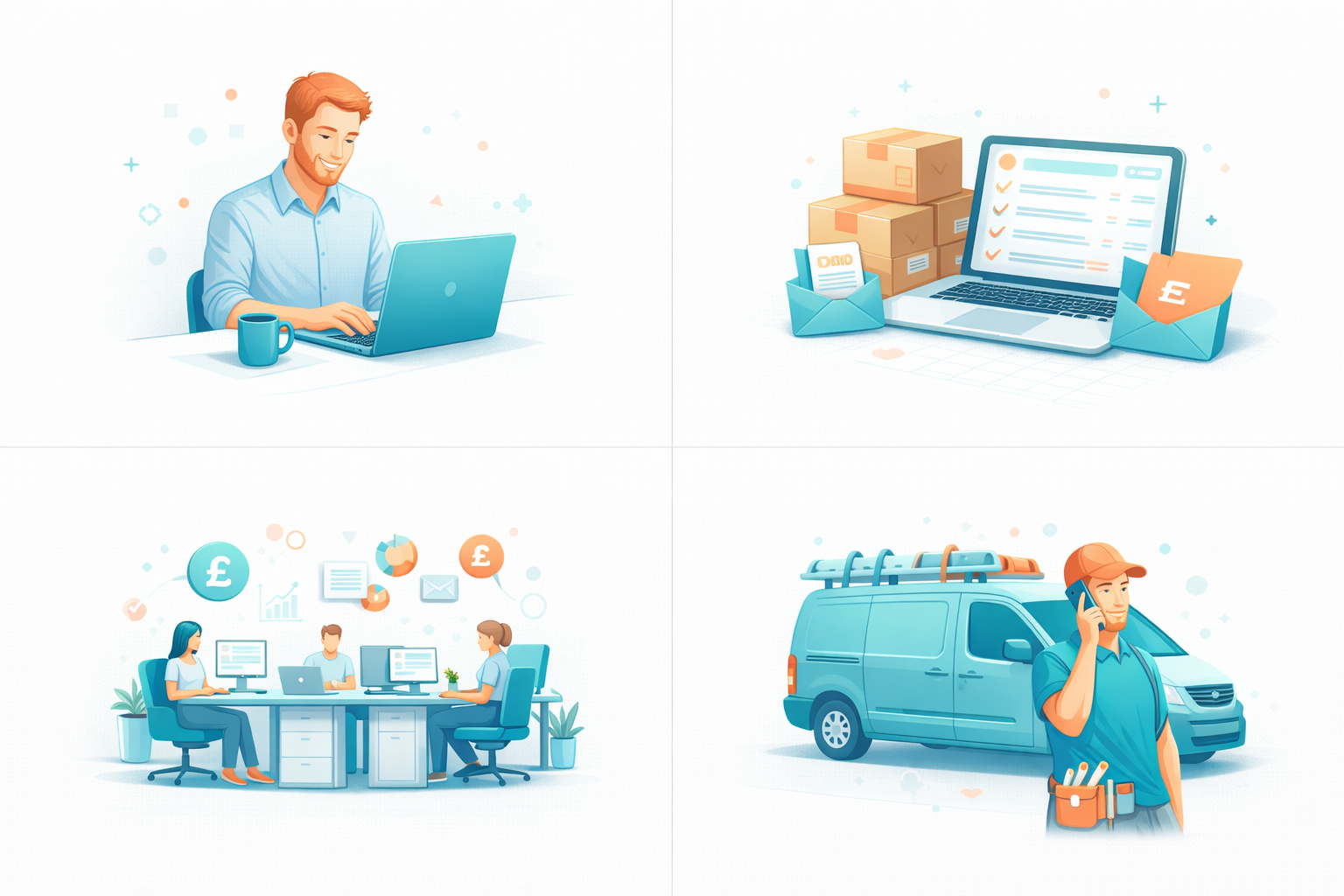
Example 1: Freelance Consultant
Business profile: Solo consultant handling 50 client enquiries monthly, managing appointments, and invoicing 10-15 clients.
Automation setup:
- Calendly (scheduling): £12/month
- AI email responder (basic tier): £50/month
- Automated invoicing via Xero: £0 (included in existing subscription)
- Zapier (connecting tools): £0 (free tier sufficient)
Monthly cost: £62
Implementation: 8 hours DIY setup (£400 opportunity cost)
Annual total cost: £744 subscriptions + £400 setup = £1,144 first year
Example 2: Small E-commerce Business
Business profile: Online shop with 200 orders monthly, handling customer service enquiries, order updates, and basic marketing.
Automation setup:
- AI customer service (handling 80% of enquiries): £120/month
- Email marketing automation: £45/month
- Order status automation (Shopify Flow): £0 (included)
- Review request automation: £25/month
Monthly cost: £190
Implementation: Professional setup for customer service AI: £750
Annual total cost: £2,280 subscriptions + £750 setup = £3,030 first year
Example 3: Professional Services Firm
Business profile: Accounting practice with 3 staff, managing client communications, document collection, appointment scheduling, and workflow tracking.
Automation setup:
- AI Worker (client communication): £150/month
- Practice management automation: £80/month
- Document collection automation: £40/month
- Scheduling platform: £30/month
- Workflow automation (Zapier): £45/month
Monthly cost: £345
Implementation: Consultant-assisted setup: £1,500
Annual total cost: £4,140 subscriptions + £1,500 setup = £5,640 first year
Example 4: Trades Business
Business profile: Plumbing company with 2 plumbers, handling 150 enquiries monthly, managing job bookings, quotes, and invoicing.
Automation setup:
- AI Worker (enquiry handling and booking): £100/month
- Job management software with automation: £60/month
- Automated quote follow-ups: £30/month
- Invoice and payment automation: £25/month
Monthly cost: £215
Implementation: Template-based DIY setup: 15 hours (£750 opportunity cost)
Annual total cost: £2,580 subscriptions + £750 setup = £3,330 first year
Hidden Costs to Watch For
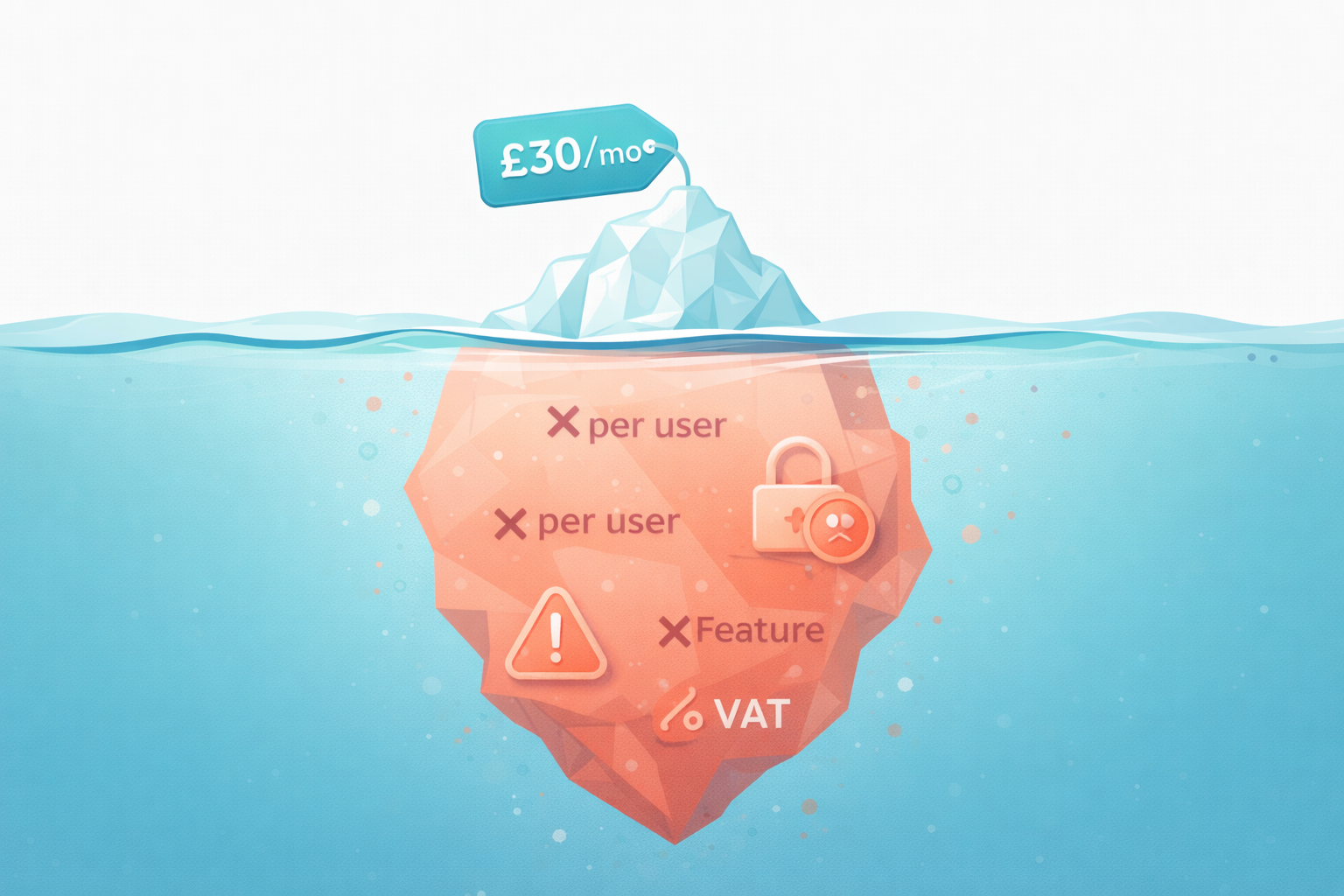
Advertised prices rarely tell the whole story. Watch for these common cost inflators.
Per-User Pricing
Many platforms charge per team member. A £30/user/month tool costs £150 monthly for a 5-person team. Check whether pricing is per-user or per-business before committing.
Usage Limits and Overages
Entry tiers often include usage caps. Exceeding limits triggers overage charges or forced upgrades:
- Message limits: £0.02-0.10 per message over limit
- Contact limits: Upgrade required at threshold
- Task/automation limits: £0.01-0.05 per task over limit
Calculate your expected usage against tier limits to avoid surprises.
Feature Gating
Essential features may require premium tiers:
- API access often requires paid plans
- Advanced integrations may need higher tiers
- Reporting and analytics frequently locked to premium
- Priority support usually costs extra
List your must-have features and verify which tier includes them all.
Annual vs Monthly Billing
Most platforms offer discounts for annual payment—typically 15-20% savings. But annual billing means:
- Larger upfront commitment
- Less flexibility to switch tools
- Risk if the tool doesn't work out
Monthly billing costs more but preserves optionality during initial testing.
VAT Considerations
Quoted prices may exclude VAT. For UK businesses, add 20% to any price shown without VAT to understand true cost. Most B2B SaaS prices are quoted ex-VAT.
Currency Fluctuations
Many automation tools are priced in US dollars. A tool costing $100/month fluctuates in sterling terms. At recent exchange rates, that's approximately £80, but currency movements can add 5-15% variance.
Calculating Your ROI
Cost only matters relative to value delivered. Here's how to calculate whether automation pays for itself.
Time Savings Value
Identify hours saved through automation and value them appropriately.
Calculation:
- Estimate hours currently spent on target tasks weekly
- Estimate percentage automation will handle (typically 60-80% for suitable tasks)
- Multiply saved hours by your hourly value
- Annualise the result
Example:
- Current time on customer enquiries: 10 hours/week
- Automation handling: 70%
- Hours saved: 7 hours/week
- Hourly value: £40
- Weekly savings: £280
- Annual savings: £14,560
Error Reduction Value
Calculate costs of errors that automation eliminates.
Calculation:
- Estimate error frequency (e.g., 2 invoice errors monthly)
- Estimate average cost per error (time to fix, customer impact, direct costs)
- Estimate reduction from automation (typically 80-95%)
- Annualise the savings
Example:
- Invoice errors: 3/month
- Average cost per error: £50 (30 min to fix + goodwill gesture)
- Reduction from automation: 90%
- Monthly savings: £135
- Annual savings: £1,620
Revenue Impact
Faster response times and better availability can increase revenue.
Calculation:
- Estimate enquiries currently lost to slow response
- Estimate conversion rate of those enquiries
- Estimate average transaction value
- Calculate recovered revenue
Example:
- After-hours enquiries not responded promptly: 20/month
- Conversion rate if responded immediately: 15%
- Average job value: £300
- Recovered monthly revenue: £900
- Annual revenue impact: £10,800
Total ROI Calculation
Example using figures above:
- Annual automation cost: £3,000
- Time savings value: £14,560
- Error reduction value: £1,620
- Revenue impact: £10,800
- Total annual benefit: £26,980
- ROI: 799%
Even conservative estimates typically show automation ROI of 200-500% for suitable processes.
Budget Recommendations by Business Size
Based on typical needs and capabilities, here's what businesses at different stages should budget.
Sole Traders and Freelancers
Recommended monthly budget: £50-150
Focus on one or two high-impact automations rather than comprehensive coverage. Customer communication and scheduling typically deliver best ROI.
Suggested allocation:
- AI enquiry handling or scheduling: £50-100
- Basic workflow automation: £0-30
- Email automation: £0-20
Micro Businesses (2-5 people)
Recommended monthly budget: £150-300
Multiple processes justify automation, but complexity should remain manageable.
Suggested allocation:
- AI Worker or customer automation: £75-150
- Scheduling and booking: £20-50
- Invoicing and payments: £20-50
- Workflow connections: £20-50
Small Businesses (6-20 people)
Recommended monthly budget: £300-600
Comprehensive automation across customer-facing and internal processes.
Suggested allocation:
- AI customer communication: £100-200
- Marketing automation: £50-150
- Operations automation: £50-100
- Workflow and integration: £50-100
- Department-specific tools: £50-100
Growing SMEs (20-50 people)
Recommended monthly budget: £600-1,500
At this scale, automation becomes infrastructure rather than a tool. Consider platforms that scale across the organisation.
Suggested allocation:
- Enterprise-grade AI Worker: £200-400
- CRM and sales automation: £100-300
- Marketing automation: £100-300
- Operations and workflow: £100-300
- Integration middleware: £100-200
Cost Reduction Strategies
Keep automation costs manageable with these approaches.
Start with Free Tiers
Many platforms offer functional free tiers. Start there to validate fit before paying.
Useful free options:
- HubSpot CRM (basic automation included)
- Mailchimp (up to 500 contacts)
- Calendly (basic scheduling)
- Zapier (100 tasks/month)
- Notion (basic workspace)
Consolidate Platforms
Multiple single-purpose tools cost more than integrated platforms. An all-in-one solution at £150/month often beats five tools at £40/month each while reducing integration complexity.
Negotiate Annual Deals
If you're confident in a tool after testing, annual payment saves 15-20% typically. Some vendors offer additional discounts for multi-year commitments.
Use Native Integrations
Before adding middleware like Zapier, check whether your tools connect directly. Native integrations are typically free and more reliable.
Audit Regularly
Review subscriptions quarterly. Cancel tools you're not using fully. Downgrade tiers if usage has decreased. Small businesses often accumulate unused subscriptions.
Consider Lifetime Deals
Platforms occasionally offer lifetime access for one-time payment—common on AppSumo and similar marketplaces. These can provide excellent value for stable, long-term tools, though carry risk if the vendor fails.
What Affects Your Specific Costs
Your actual costs depend on factors specific to your situation.
Volume Drivers
Higher volumes generally mean higher costs:
- Customer enquiries handled
- Emails sent
- Invoices processed
- Appointments scheduled
- Team members using tools
Estimate your volumes accurately to choose appropriate tiers.
Complexity Factors
More complex needs increase costs:
- Multiple channels (email, chat, social, phone)
- Custom workflows versus templates
- Industry-specific requirements
- Integration with legacy systems
- Compliance and audit needs
Simple needs can use simple tools. Complex requirements demand capable (and pricier) solutions.
DIY vs Done-For-You
Your technical comfort level affects implementation costs:
- High comfort: DIY setup saves money but costs time
- Moderate comfort: Template-based approach balances both
- Low comfort: Professional implementation costs more but delivers faster, more reliable results
Growth Trajectory
If you're growing rapidly, choose tools that scale without dramatic cost increases. Per-transaction pricing becomes expensive at scale. Flat-rate tools maintain predictable costs as volume grows.
Making Your Automation Budget
Here's a practical process for setting your automation budget.
Step 1: Identify Target Processes
List processes you want to automate. For each, note:
- Current time spent weekly
- Error frequency and cost
- Revenue impact of improvement
Step 2: Research Tool Options
For each process, identify 2-3 potential tools. Note:
- Pricing tiers and what's included
- Per-user vs per-business pricing
- Usage limits and overages
- Integration requirements
Step 3: Calculate Total Monthly Cost
Add up subscription costs for your selected tools. Include:
- All users who need access
- Realistic usage tier (not optimistic minimums)
- Any required middleware or integrations
- VAT at 20%
Step 4: Estimate Implementation Investment
Determine whether you'll DIY or get help:
- DIY: Estimate hours × your hourly value
- Professional: Get quotes from providers
Step 5: Project ROI
Using calculations from earlier, estimate annual value:
- Time savings
- Error reduction
- Revenue impact
Compare to annual cost. Aim for minimum 200% ROI.
Step 6: Phase Your Investment
Don't automate everything immediately. Plan phases:
- Month 1-2: Highest-ROI process
- Month 3-4: Second priority
- Month 5-6: Additional processes
Phased approach limits risk and spreads costs.
The Bottom Line on Costs
Business automation in 2026 is accessible to virtually any UK small business. Meaningful automation costs £100-500 monthly—less than a day of employee time, yet delivering value equivalent to part-time staff.
The question isn't whether you can afford automation. For most businesses, the question is whether you can afford not to automate when competitors are gaining efficiency advantages.
Start with a realistic budget, focus on highest-ROI processes first, and expand as you prove value. The businesses thriving with automation aren't those spending most—they're those spending strategically on the right processes.
Frequently Asked Questions
How much should a small business budget for automation monthly?
Most UK small businesses should budget £100-300 monthly for meaningful automation. Sole traders and freelancers can achieve solid results with £50-150 monthly focused on one or two processes. Larger small businesses with 10-20 employees typically invest £300-600 monthly for comprehensive automation across multiple functions.
What's the cheapest way to start automating my business?
Start with free tiers of established platforms. HubSpot CRM, Mailchimp, Calendly, and Zapier all offer functional free versions. Identify your single highest-impact process and automate that first using free or low-cost tools. Upgrade to paid tiers only when you've validated the value and hit free tier limits.
Are automation costs tax deductible for UK businesses?
Yes. Business automation software subscriptions are generally allowable business expenses, reducing your taxable profit. Implementation costs are typically deductible too. Consult your accountant for specifics regarding your situation, particularly for larger capital investments in custom development.
How long until automation pays for itself?
Most businesses see positive ROI within 2-4 months for well-chosen automation. Customer communication and scheduling automation often pays for itself within the first month through time savings alone. More complex implementations may take 6-12 months to fully demonstrate returns but typically deliver higher long-term value.
Should I pay monthly or annually for automation tools?
Start with monthly billing while testing and validating tools—the flexibility is worth the 15-20% premium. Once you've used a tool for 3-6 months and confirmed it meets your needs, switch to annual billing to capture the discount. Avoid annual commitments before you've validated fit.
What hidden costs should I watch for with automation?
Watch for per-user pricing (costs multiply with team size), usage limits with overage charges, essential features locked to premium tiers, VAT not included in quoted prices, and US dollar pricing that fluctuates against sterling. Always calculate total cost including all users, realistic usage, and VAT before committing.
Is it cheaper to build custom automation or use existing platforms?
Existing platforms are almost always more cost-effective for small businesses. Custom development requires £5,000-50,000+ investment plus ongoing maintenance. Off-the-shelf platforms costing £100-300 monthly deliver similar functionality with professional support and regular updates. Custom development only makes sense for highly unique requirements no platform addresses.
How do automation costs compare to hiring staff?
Automation typically costs 10-20% of equivalent human capacity. A customer service AI Worker at £150/month might handle work that would require a part-time employee at £800-1,200 monthly. However, automation and staff serve different purposes—automation handles routine tasks while humans handle complex, relationship-driven, and creative work.
Do I need to pay for implementation help or can I set up automation myself?
Most small business owners can set up basic automation themselves using platform tutorials and templates. Budget 10-20 hours for DIY implementation. Professional help makes sense if your time is highly valuable, you need complex multi-system integration, or you want faster deployment. Professional setup typically costs £500-2,000 but saves significant time and reduces trial-and-error.
How much do integration tools like Zapier add to costs?
Zapier's free tier (100 tasks/month) handles basic needs. Paid plans start at approximately £25/month for 750 tasks, scaling to £100+ monthly for high-volume usage. Alternatives like Make offer similar functionality at slightly lower price points. Many automation platforms include native integrations that eliminate middleware costs entirely for common connections.

TheyWork Team
TheyWork gives small UK businesses an AI-powered worker that finds leads, writes content, responds to reviews, and handles admin — so you can focus on growing.
Ready to try an AI Worker?
Get your own AI worker that finds leads, writes content, and handles admin. Start free for 7 days.
Get started